
General
What Clearinghouse does Elation Billing use?
Claim.MD is the clearinghouse that Elation Billing uses. See their Payer List for available payers.Some payers transmit their ERA through a separate Trading Partner before reaching Claim.MD. Contact Elation Billing Support for details about a specific payer’s Trading Partner.
Patients
How do I delete a Patient?
At this time, deleting a patient is not a feature provided. This may be added in the future. See Removing a Patient for current best practices.Statements
How do I Generate and Send Statements?
See Sending Statements for a complete guide.How do I Text/Email Statements?
You’ll need to Activate Online Payments first.Can I automatically send Text/Email Statements?
Yes! See Text/Email Bot for instructions.How do I View Statements?
See Viewing and Printing Statements for guidance.What are the Statement Fees?
- Mailed statements: $0.85 per statement
- Text and Email statements: Included in your Elation Billing subscription
Can I Print and Send my own Statements?
You cannot print and mail your own statements in the billing software. You must use the automated mailing house. Once statements have been sent, you can print, download, or email them.Billing
How do I use Custom CPTs?
You can enter whatever information you like into the CPT field. You cannot store custom CPTs to your Elation Billing fee schedule. If your EHR Billing Settings has a Popular CPT Codes section, you can store a custom code and its rate. If your EHR Billing Settings has a Fee Schedules section, Fee Schedules has replaced Popular CPT Codes and you can create fee schedules with custom codes and rates that are associated with payers, providers, or service locations. See Add a code that is not in the list.How do I delete a Payment?
At this time, deleting a payment is not a feature provided. See Clearing Out a Payment for current best practices.How do I print a patient receipt?
For Elation EHR + Billing users, the best source of a Patient Receipt is in the EHR’s Patient Payment Report. To print proof of a payment posted in Elation Billing, print the Patient History.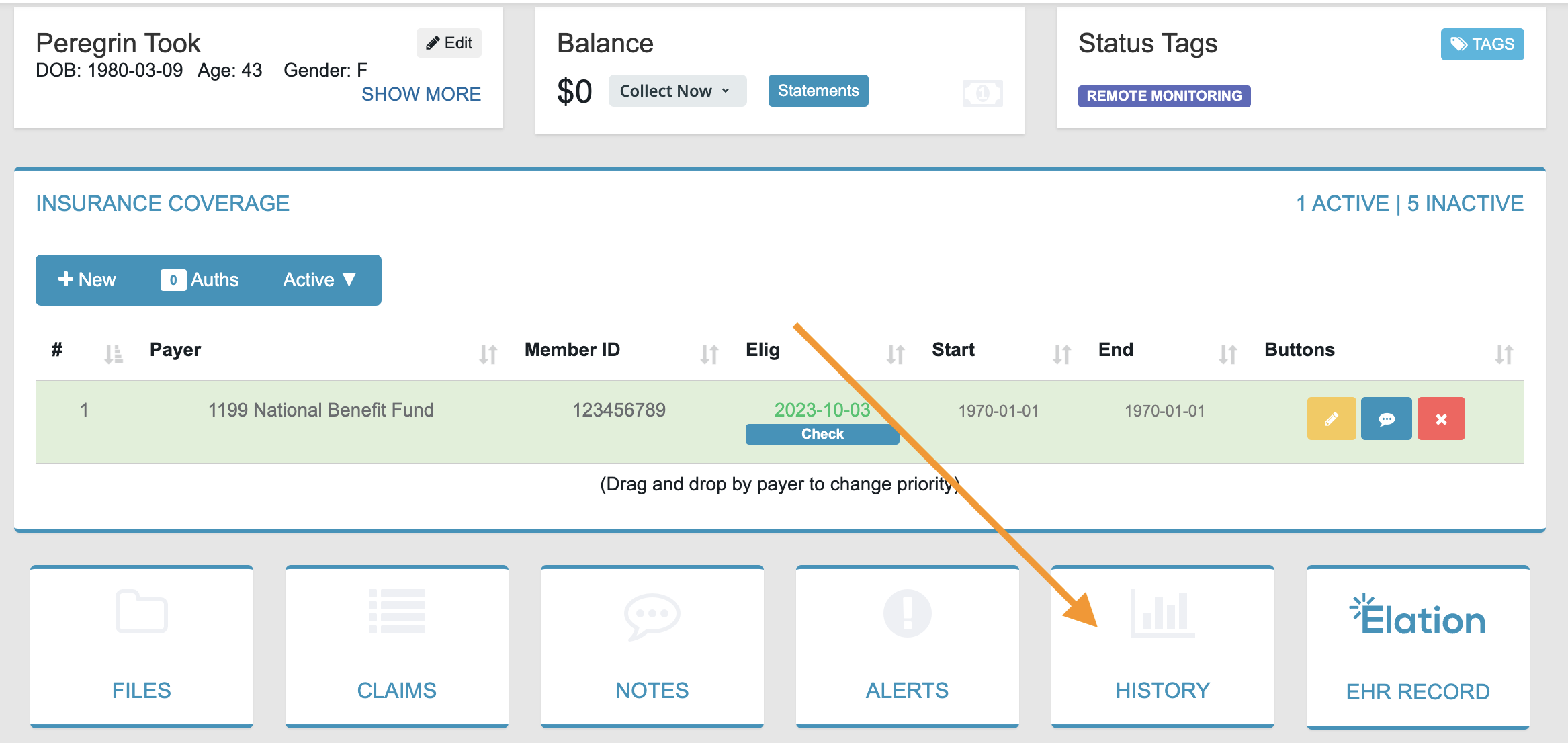
Why can’t I delete a Claim Line?
If a claim has any payments associated with it, you cannot delete a claim line. See Claim Line Can’t Be Deleted for instructions on resolving this.How do I attach a file to a Claim?
At this time, this is not a feature supported. This may be added in the future.How do I bill Worker’s Comp?
At this time, Worker’s Comp claims must be paper-billed. This functionality may be added in the future.Why is my Payment or Autopost stuck on “Working”?
If your payment is stuck on “Working” for over 60 seconds, the server took too long to respond. This may happen with large payments containing many charge lines.Don’t worry! Your data was already sent and the server is processing it. Refresh the page or close and reopen the billing software in another tab. Allow a few minutes for the payment to complete.