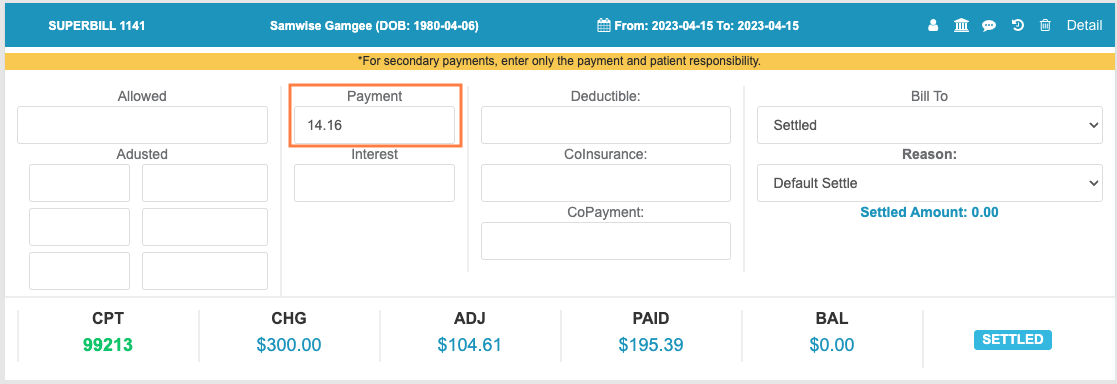
Overview
Elation EHR + Billing practices with Integrated Payments will automatically have copayments collected in the EHR posted to Elation Billing. While copays typically apply automatically (if the Copay’s Payment Date matches the DOS and once balance responsibility is transferred to the patient), there may be cause to manually apply the copay to a Superbill.Workflow Instructions
Step 1 - Navigate to the Payment
From the Superbill (Copay only)
Within the Superbill’s Copayment Collected box, select View Details.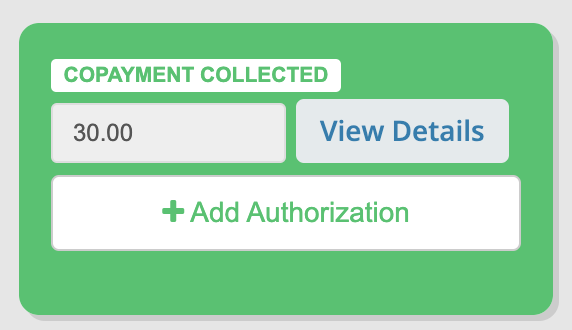
From Patient History
From the Patient’s Page, view their History for a full list of Patient Payments.From Payments
From Payments, search for the Patient.Step 2 - Add Claims to the Payment
Select View Patient Claims.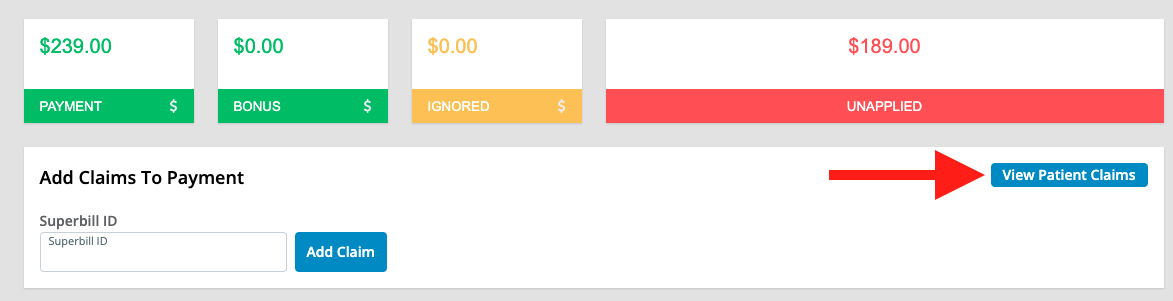


Step 3 - Use Quick Links
Click quick links in the blue claim header to open the superbill, patient, view claim history, or delete the claim from the payment.
Step 4 - Apply the Payment
We do not advise applying Patient payments before Insurance payments have been applied.