Overview
Claim forms are generated by the Clearinghouse, so the claim MUST have either:- Been billed electronically, or
- Been printed from the Claims Queue
Workflow Instructions
Printing a Claim
-
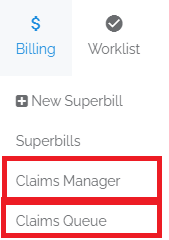
Navigate - Access the claim from either:
- The Claims Manager
- The Claims Queue
-
Print - Click the print icon (Claims Manager) or the Print button (Claims Queue).

-
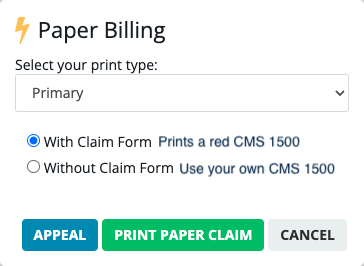
Select Options - Make your selections and click Print Paper Claim.