
Workflow Instructions
Setting Claim Defaults
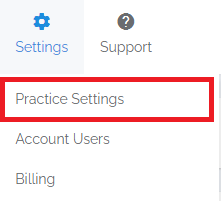
- Navigate - Select the Practice Settings option from the Settings drop-down menu, then select the Claim Defaults tab.

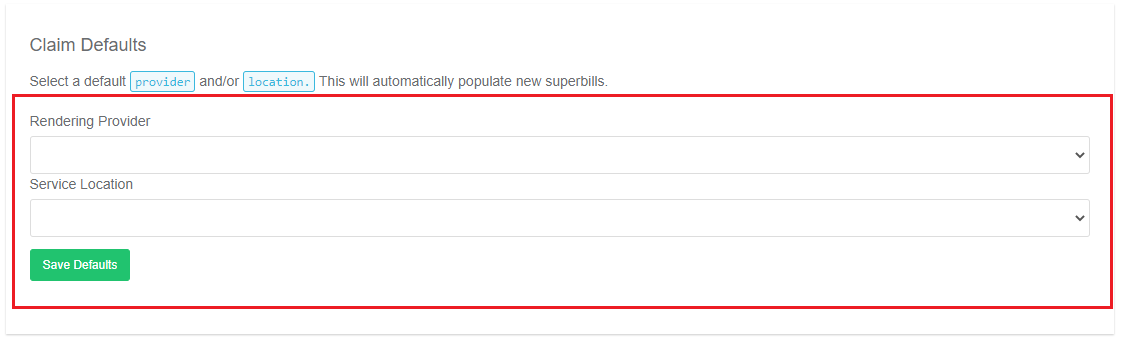
- Select Defaults - Select a default Rendering Provider and/or Service Location and then click Save Defaults.
- Completion - You should now see that your defaults are preselected when you are creating claims on a superbill.