Overview
What are Authorizations and Referrals?
Authorizations and referrals are approval numbers from insurance payers that are sometimes required before certain services can be billed. For the purpose of this article, we refer to both collectively as an Authorization.Why are Authorizations important?
Many insurance payers require prior authorization for certain procedures or referrals from primary care providers. Including the authorization number on claims helps ensure proper reimbursement and avoids denials.When adding a CLIA, this is instead added within Practice Settings under the Practice Info tab.
Workflow Instructions
Adding an Authorization
-
Navigate - Click the Auth button in the insurance box. Click Insurance again to toggle back.

-
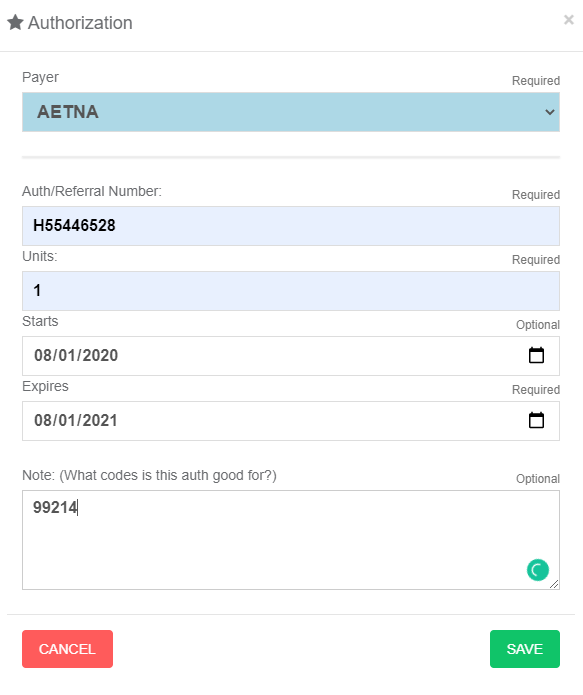
Add Authorization - Click the + New button in the Authorizations Box. Select a payer and enter all the Authorization or Referral information, then click SAVE.
Editing or Inactivating an Authorization
- Edit or Inactivate - To edit an authorization, click the yellow pencil next to the authorization. To deactivate an authorization, click on the red X button.
Attaching an Authorization to a Claim
-
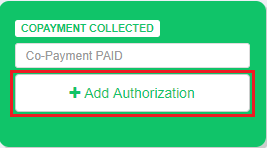
Attach to Claim - Click the Add Authorization button on the Superbill and then select the authorization to attach.