This information should not be stored without the patient’s permission.
Workflow Instructions
Saving a Patient’s Credit Card
- Navigate to the Patient - In the EHR, navigate to the Patient’s File.
- Select More - In the Toolbar, select the … More button, then select Copy ** payment details link**.

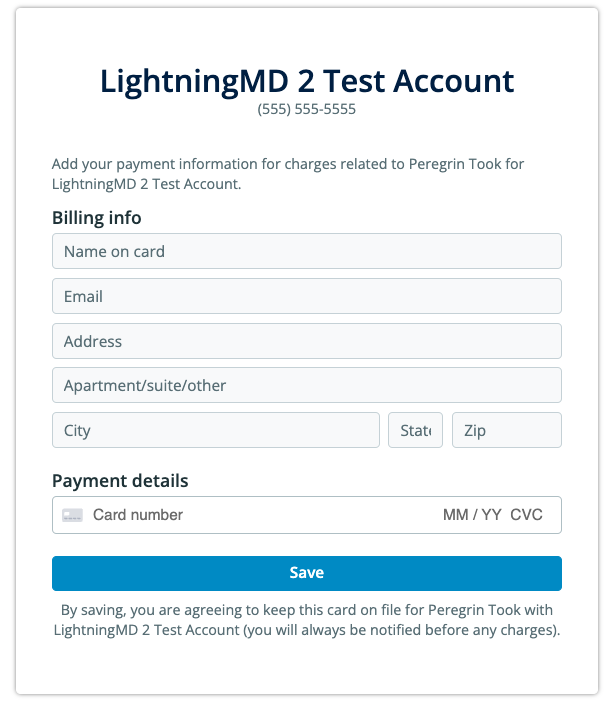
- Share the Link with the Patient - They will be presented with the following form: