
Recommended Reading: Prescription Monitoring Program (PMP/PDMP) Integration Introduction
What is the LogiCoy PMP Integration?
Elation works with LogiCoy, a third-party healthcare technology solutions company to provide a seamless EHR to Prescription Monitoring Program (PMP) integration for the states of California, Colorado, Illinois, Kentucky, Maryland, Pennsylvania, Utah, and Washington.Which states can utilize the LogiCoy PMP Integration?
LogiCoy supports PMP integrations in the states of California, Colorado, Illinois, Kentucky, Maryland, Pennsylvania, Utah, and Washington.How much does the integration cost?
Elation is not charging for the setup or maintenance of the LogiCoy PMP integration and states do not generally charge you for the integration. LogiCoy, our integration partner, does charge a yearly per-provider fee to maintain the integration at a special Elation rate. LogiCoy charges each full-time provider $40 per year and part-time providers $20 per year. Exceptions:- Washington - The state of Washington requires an agreement with OneHealthPort (OHP), Washington’s HIE, before setting up a PMP integration. Washington charges $1,100 per year for most practices for full OneHealthPort access and a special $150 rate for PMP-only services through the HIE for the first year. Click here for full details about OneHealthPort pricing.
How do I activate my LogiCoy integration?
Elation will work with your practice and LogiCoy to make setting up the integration simple.- Step 1: Let Elation know you are interested!
- Contact Elation using the I need help -> Contact Elation Support button to let Elation know you are interested in the LogiCoy integration for your state.
- Step 2: Elation will submit an integration request
- Elation will submit an integration request to LogiCoy and copy your practice on correspondence. LogiCoy will respond to the email with paperwork for your practice to review and sign, including an End User License Agreement and state-specific agreements.
- Step 3: Elation will set up the integration
- Elation will work with LogiCoy to set up your integration and will notify your practice when the integration is live.
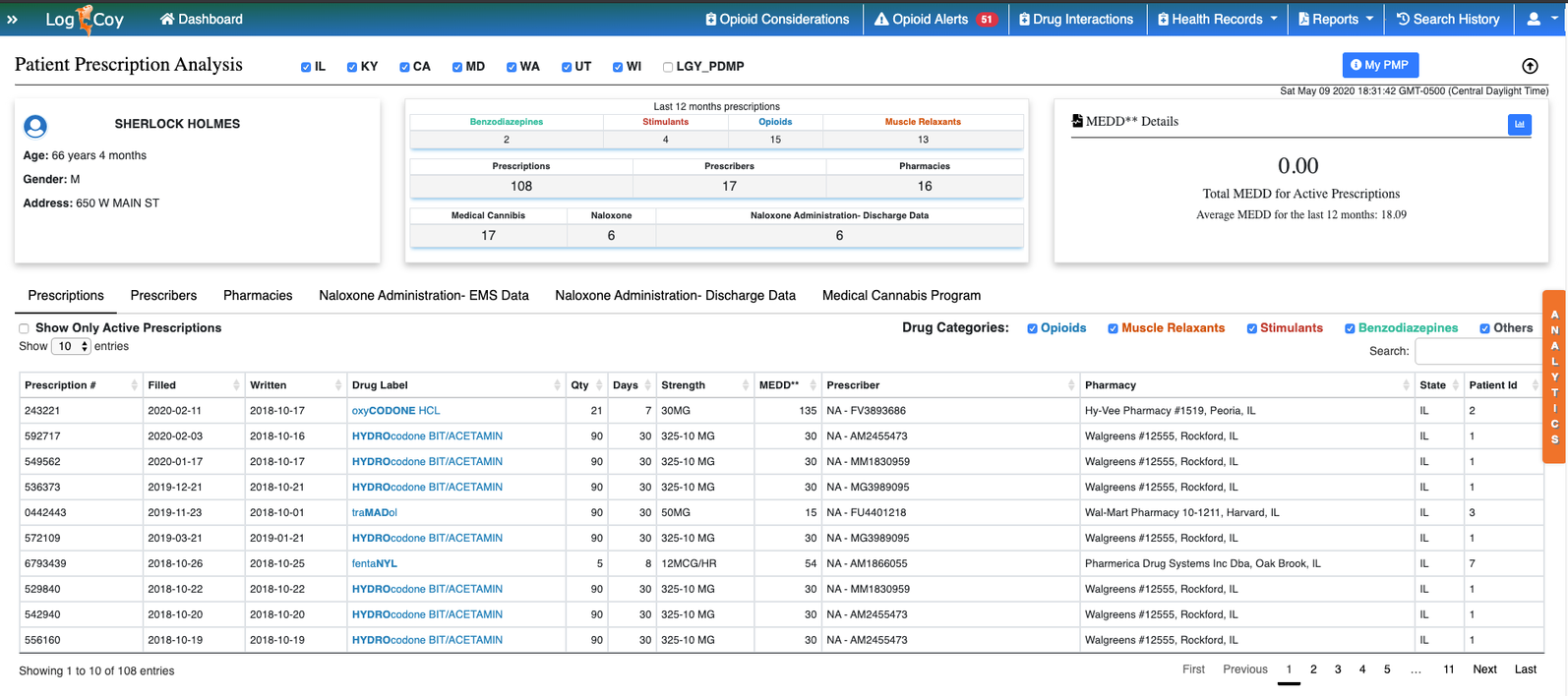
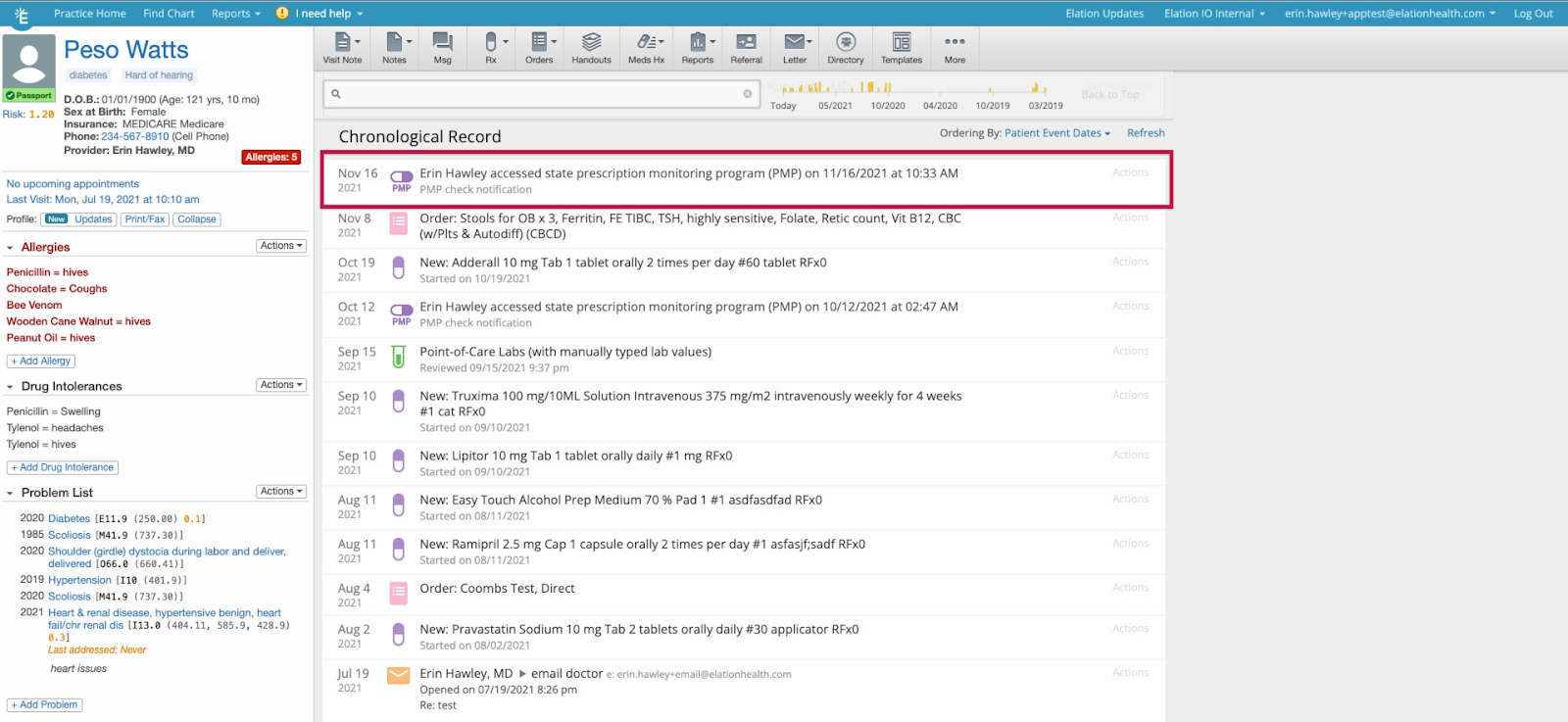
Viewing LogiCoy’s Prescription Monitoring Program (PMP) reporting
To view the Prescription Monitoring Program reporting, connected Providers can click the Check PMP button from one of the following 4 (four) locations in the patient’s chart:- At the bottom of the Permanent Rx Meds list in the Clinical Profile
- In the dropdown when you click the Meds Hx button at the top of the patient’s chart
- At the top of the Medication History window
- In the Prescription Form next to the NDC with Packaging field
Maryland requires a patient address in the chart for PMP checks.Kentucky requires the patient’s Social Security Number (SSN) to complete a PMP query. The patient’s SSN should be stored in the patient’s chart for a successful KASPER (KY PMP) check.