What is the Chronological Record Sort Setting?
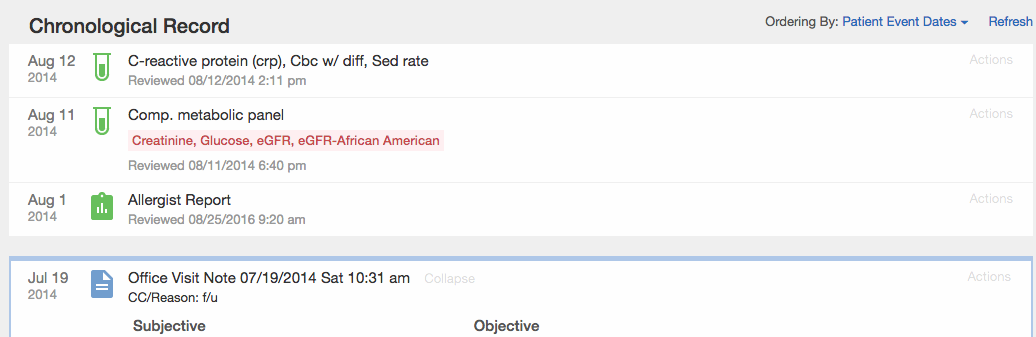
It often takes a whole team of care professionals to keep a patient healthy. As the patient’s provider you often find yourself storing copies of consultations and test results administered by other providers caring for your patient. Elation allows you to store these records in the patient’s chart and sort patient records by:- Patient Event Dates= shows what the patient has been up to, and sorts reports by document date
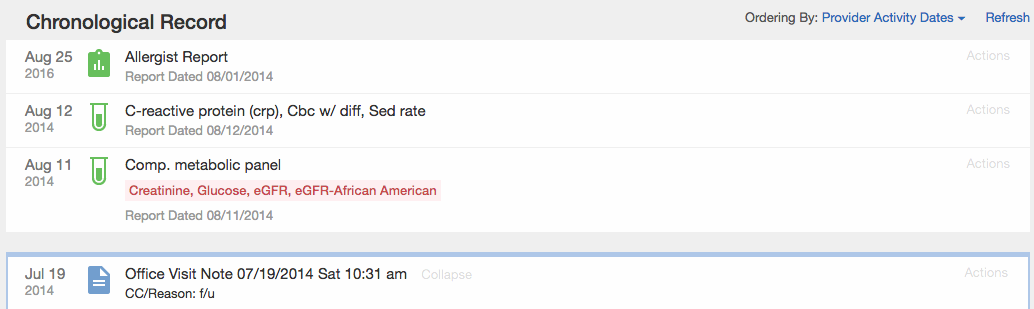
- Provider Activity Dates= shows what your practice has been up to, and sorts reports by filed date
Ordering by Patient Event Dates
Ordering by Provider Activity Dates
How to adjust the Chronological Record Sort Setting
Practice Setting
Go to Settings >> Sort Settings to find the practice wide setting for sorting records in the Chronological Record. Once this Setting is changed it will be applied to all patient charts.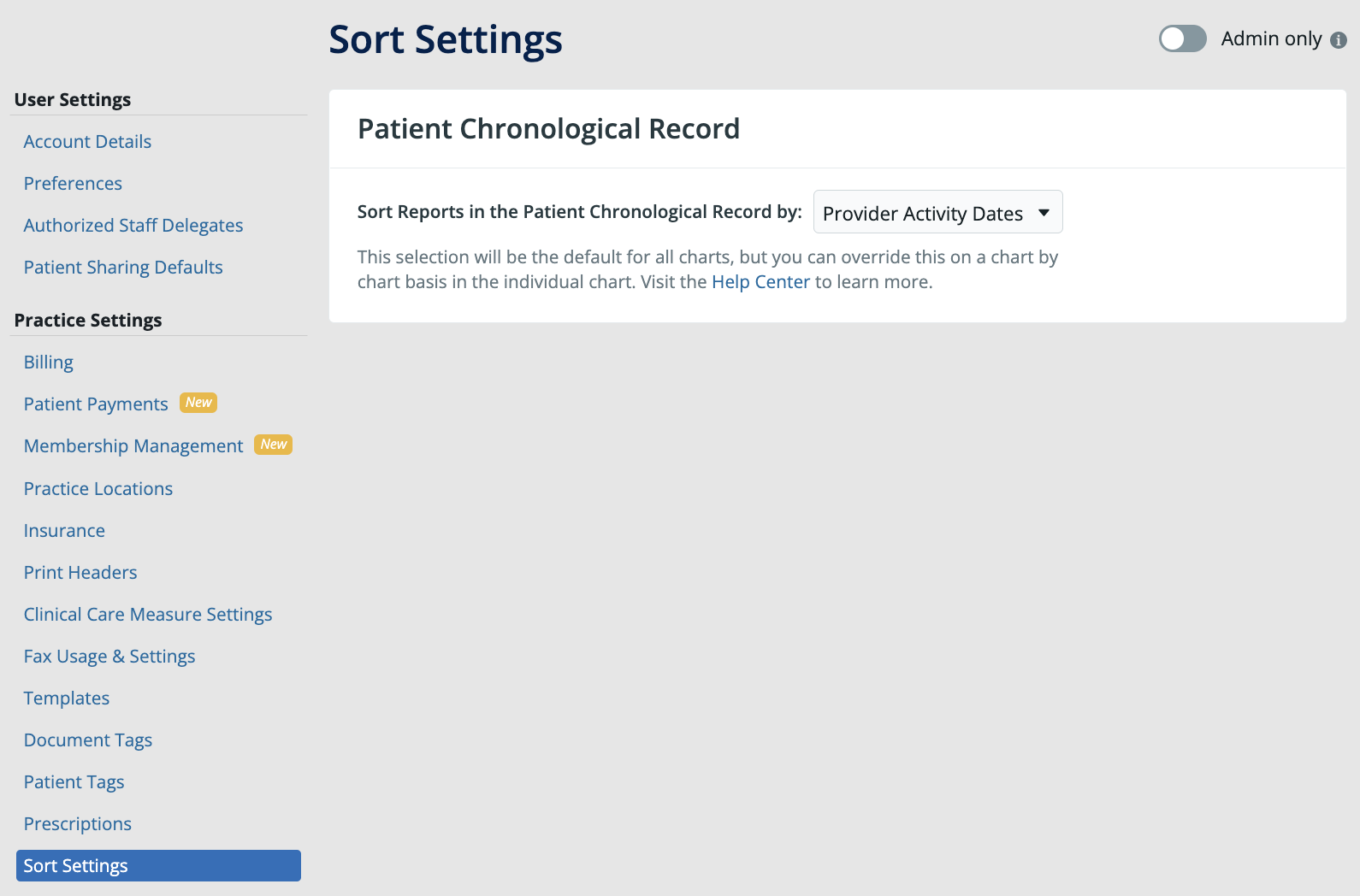
Patient’s Chart
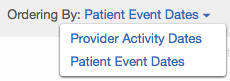
Inside each patient chart, you will also have the ability to change the sort preference on-the-go if you want to toggle between the two different sort views by clicking on Ordering By: