Content
Overview
How do patients complete forms?
Patients can access their assigned forms in two ways:- Email — An email from reminders@elationemr.com arrives with a secure link to open their forms.
- Patient Passport — If the patient has a Passport account, forms attached to their upcoming appointments appear directly in the appointment details view. They can open and complete forms from there without needing the email link.
- Each form must be completed in a single session—responses cannot be saved and resumed later.
- If multiple forms are sent, patients can complete and submit them one at a time. They may return to the original link later to complete any remaining forms.
- Once a form is submitted, it is considered final and cannot be edited or re-submitted.
Workflow Instructions (Patient’s Perspective)
Completing forms from Patient Passport
Patients with a Patient Passport account can access and complete their forms directly from their appointment.- Log in to Patient Passport at app.elationpassport.com.
- Go to Appointments and open the upcoming appointment.
- Find the Complete patient forms link and click it to complete any incomplete forms.
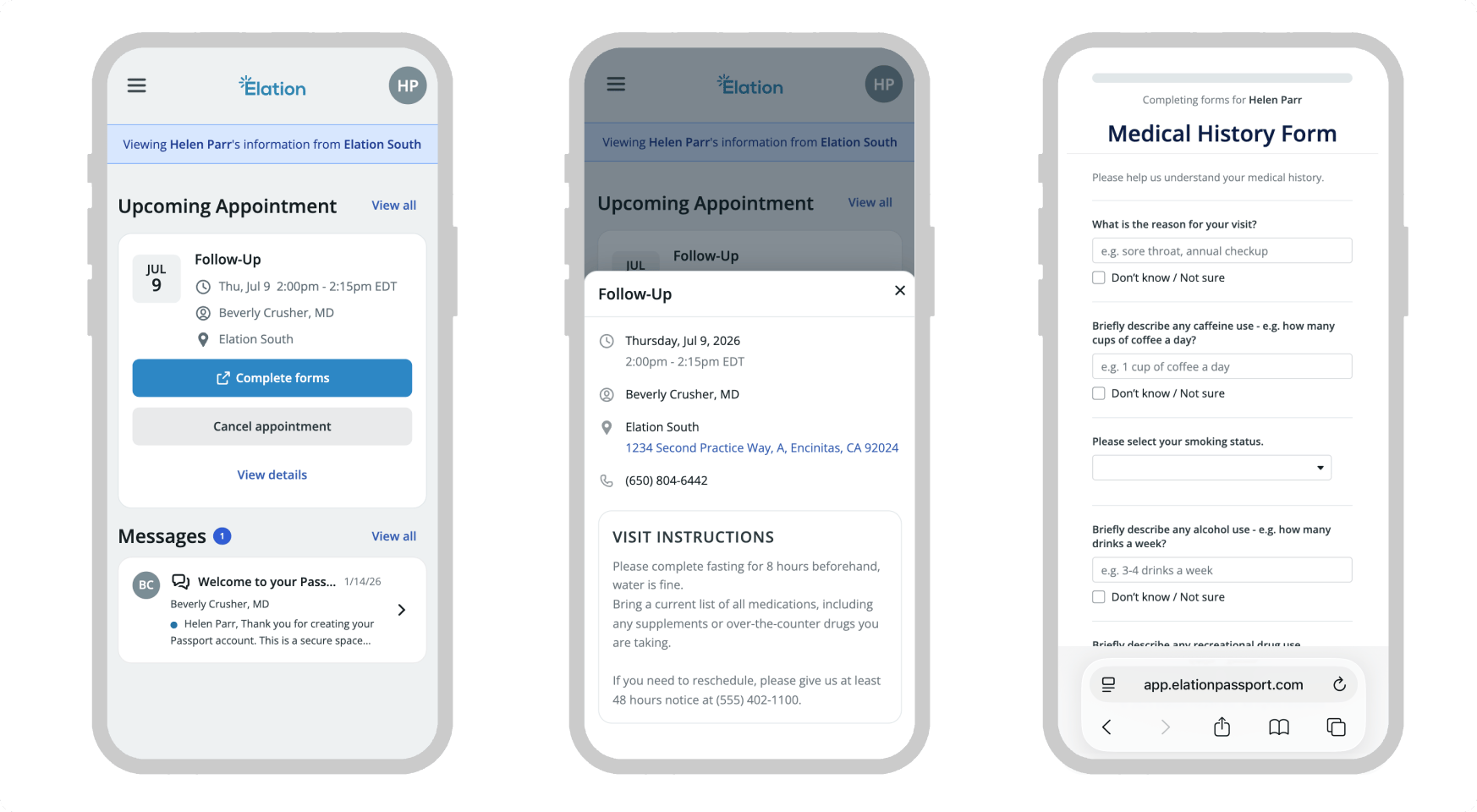
Image needed: Screenshot of the Patient Passport appointment detail card showing visit instructions and the patient forms section with completion status indicators.
Opening the forms link from an email
Patients will receive an email from reminders@elationemr.com with the subject line “Fill out forms for upcoming appointment with [Provider’s Name]” whenever Patient Forms are sent to them. The Provider’s name will help inform them where the request is coming from. To get started, patients can click the Fill out forms button in the email to open and complete their forms.Completing forms
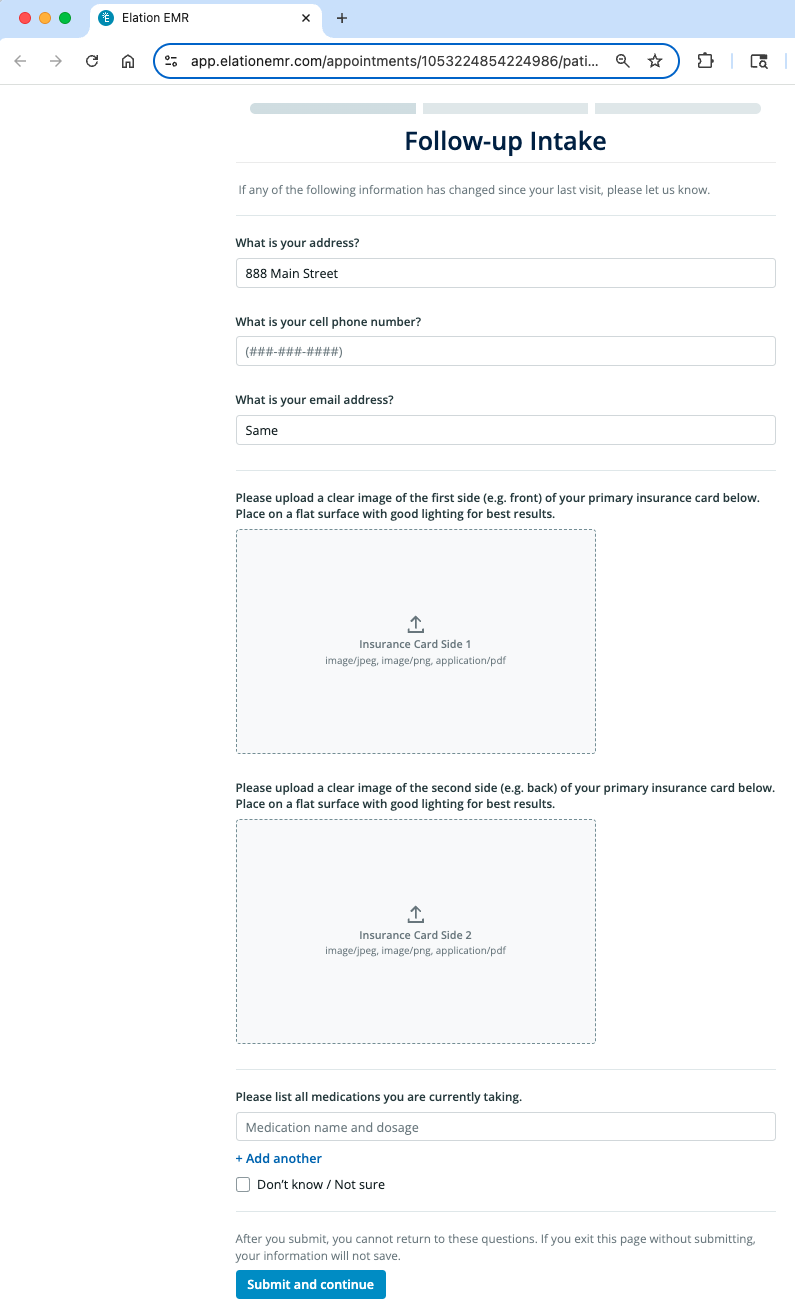
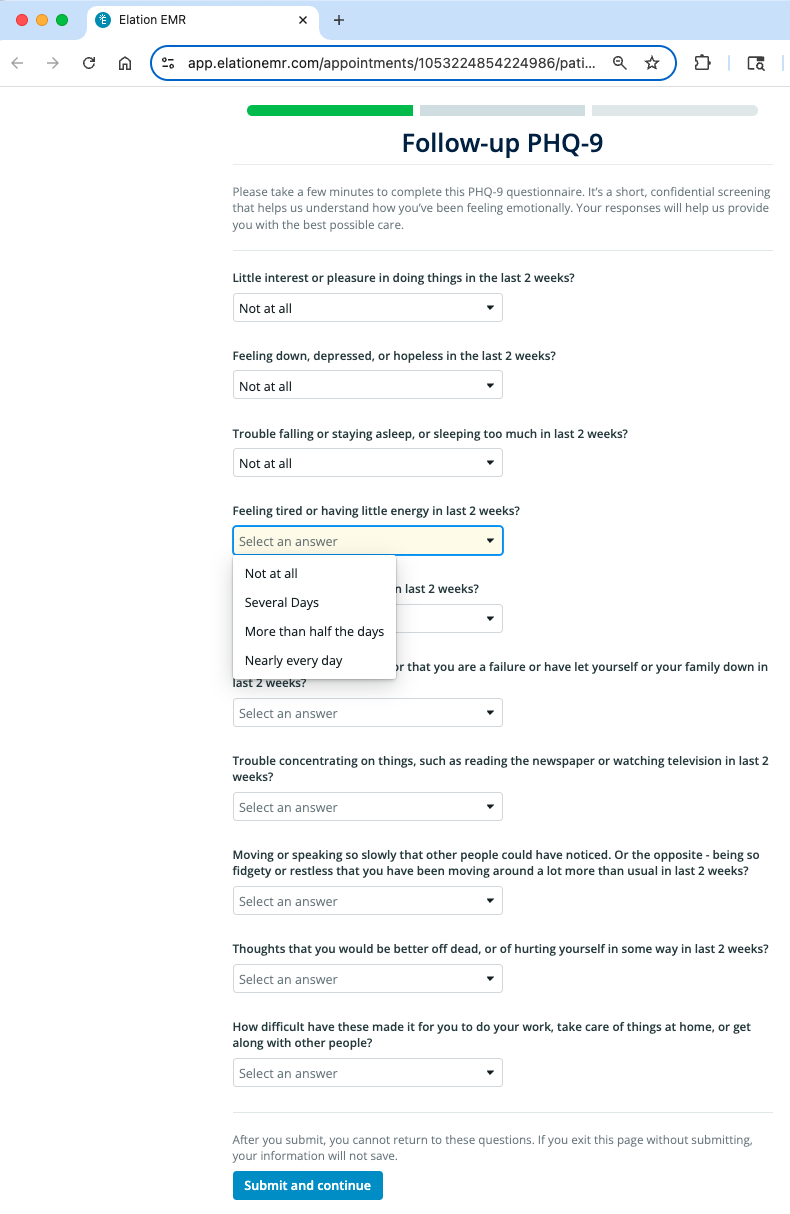
When a patient opens their electronic forms, the progress bar at the top will show the total number of forms included. As each form is completed, the corresponding bar will turn green to indicate progress. Patients can complete each form at their convenience, but each form must be finished in a single session. Responses cannot be saved and resumed later, so patients must click Submit and continue before exiting the form. For questions that allow multiple responses, patients can click + Add Another to include additional entries.Uploading insurance card images
When a patient receives a form with an insurance card upload question, they can click the upload icon to attach an image from their computer or mobile device. If using a mobile device with a camera, they can take a photo in real time. Patients can preview uploaded images and replace them if the quality isn’t clear.Applying an eSignature
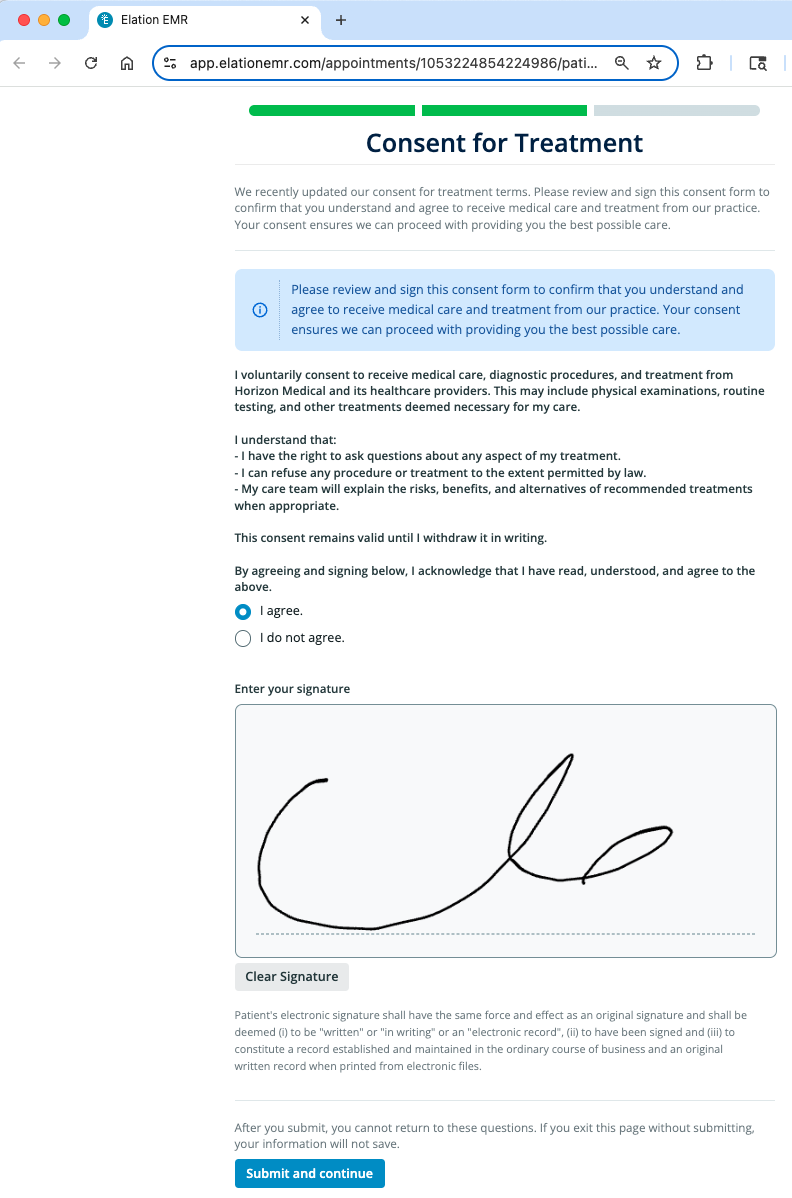
When patients receive a form that requires an electronic signature, they’ll be asked to review the information, indicate their agreement or disagreement, and sign using their cursor. Both a response and a signature are required to submit the form. If they need to make changes, patients can click Clear Signature to redraw their signature before submitting.Sample Forms