> ## Documentation Index
> Fetch the complete documentation index at: https://help.elationhealth.com/llms.txt
> Use this file to discover all available pages before exploring further.
# Set Claim Defaults on Superbill
> Learn how to set default rendering provider and service location for claims
This article explains how to set default claim values for your superbills.
## Workflow Instructions
### Setting Claim Defaults
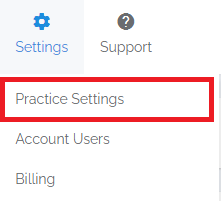
1. **Navigate** - Select the **Practice Settings** option from the **Settings** drop-down menu, then select the **Claim Defaults** tab.
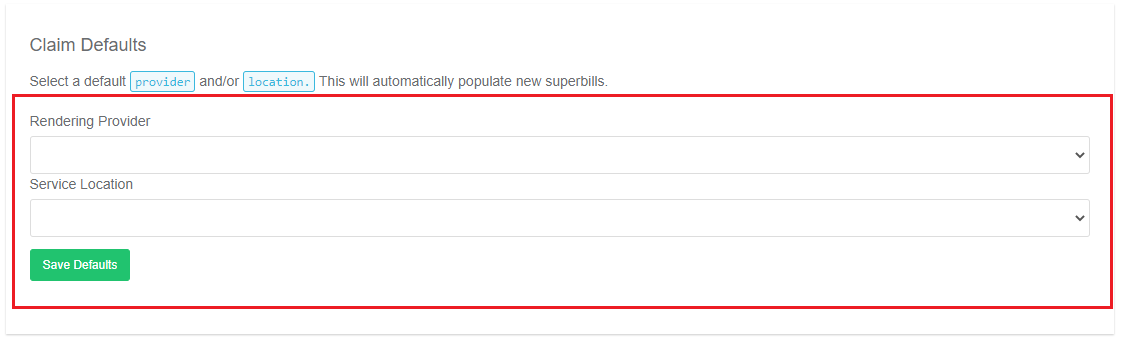
 2. **Select Defaults** - Select a default **Rendering Provider** and/or **Service Location** and then click **Save Defaults**.
 3. **Completion** - You should now see that your defaults are preselected when you are creating claims on a superbill.