> ## Documentation Index
> Fetch the complete documentation index at: https://help.elationhealth.com/llms.txt
> Use this file to discover all available pages before exploring further.
# Saving a Credit Card in the EHR
> Learn how to share a payment details link with patients to save their credit card
By sharing this link with the Patient, they can enter their Credit Card information to be stored and used for future transactions!
This information should not be stored without the patient's permission.
## Workflow Instructions
### Saving a Patient's Credit Card
1. **Navigate to the Patient** - In the EHR, navigate to the Patient's File.
2. **Select More** - In the Toolbar, select the **... More** button, then select **Copy \*\* payment details** link\*\*.
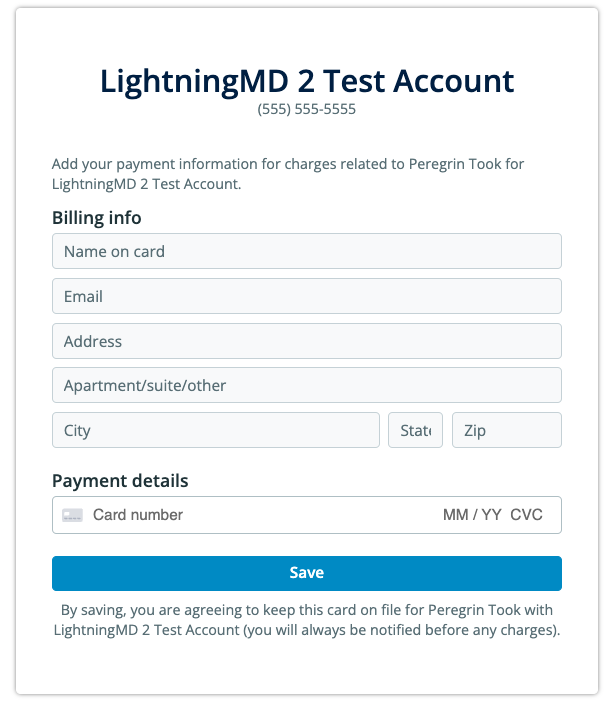
 3. **Share the Link with the Patient** - They will be presented with the following form:
 ## Related Articles
* [Collecting a Patient Payment in the EHR](/articles/elation-ehr-billing-collecting-a-patient-payment-in-the-ehr)
## Related Articles
* [Collecting a Patient Payment in the EHR](/articles/elation-ehr-billing-collecting-a-patient-payment-in-the-ehr)