> ## Documentation Index
> Fetch the complete documentation index at: https://help.elationhealth.com/llms.txt
> Use this file to discover all available pages before exploring further.
# Setting Up Multi Factor Authentication
## How to Turn On MFA
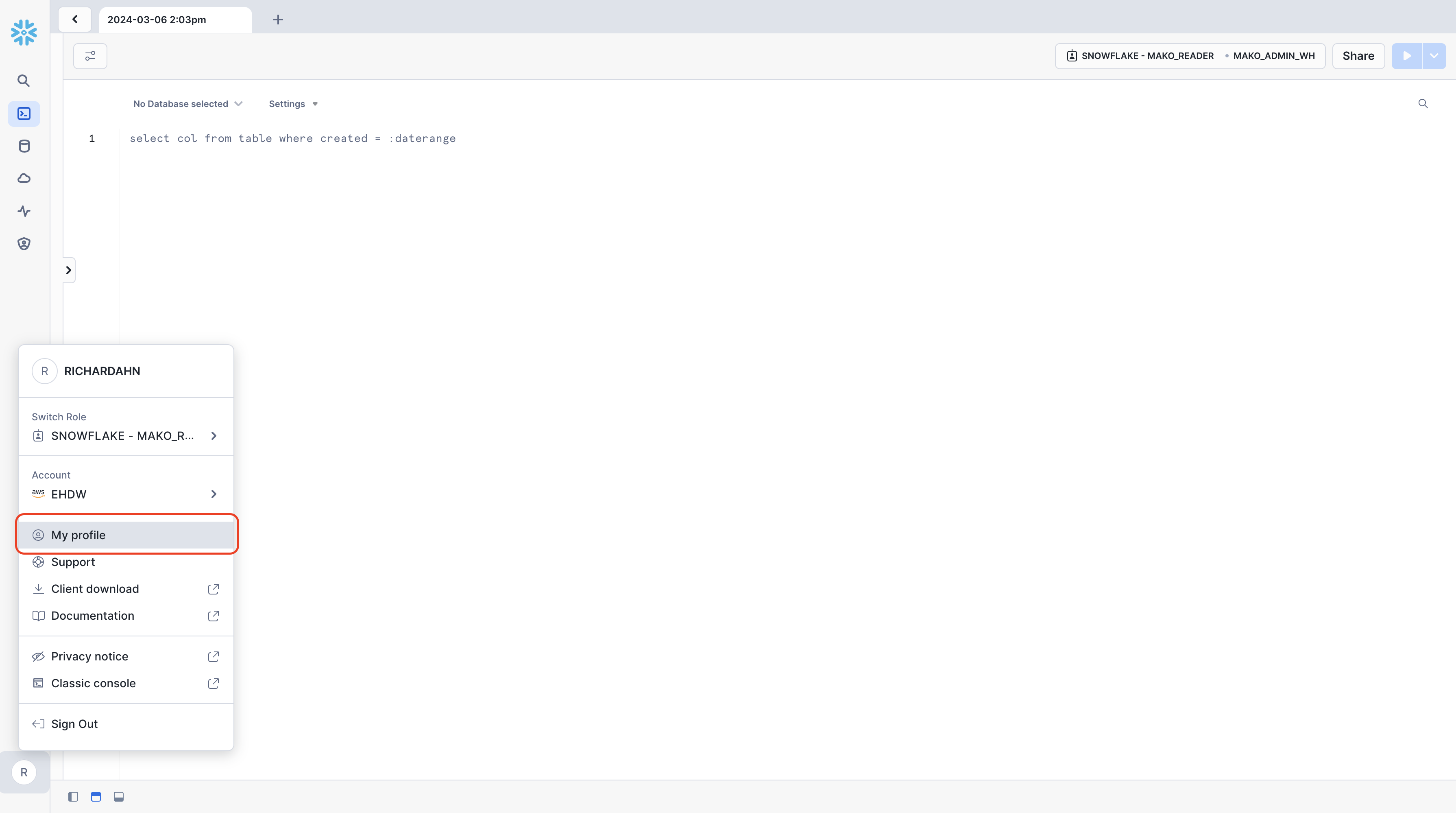
* Log into Snowflake
* Click on your username on the left bottom corner of the screen Select Profile
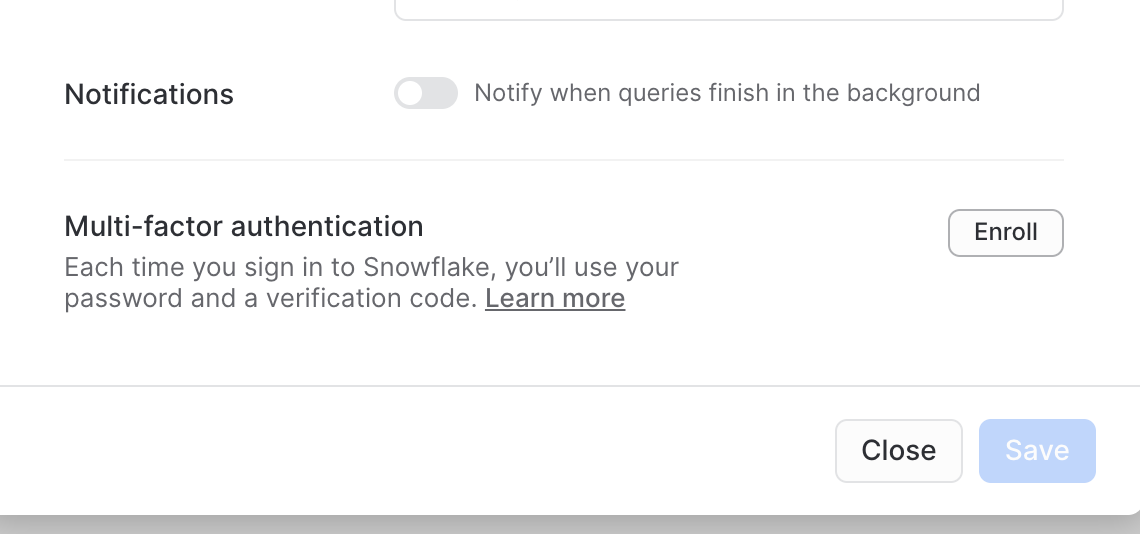
 * Scroll down to Multi Factor Authentication and go through the steps to set up MFA
 ## How to Turn Off MFA
Please contact [Elation Support Portal](/articles/support-portal-introduction) with subject line HDB - Turn Off MFA
***
*If you have any questions about this topic please reach out to [Elation Support Portal](/articles/support-portal-introduction) with the subject line HDB - \*
## How to Turn Off MFA
Please contact [Elation Support Portal](/articles/support-portal-introduction) with subject line HDB - Turn Off MFA
***
*If you have any questions about this topic please reach out to [Elation Support Portal](/articles/support-portal-introduction) with the subject line HDB - \*